

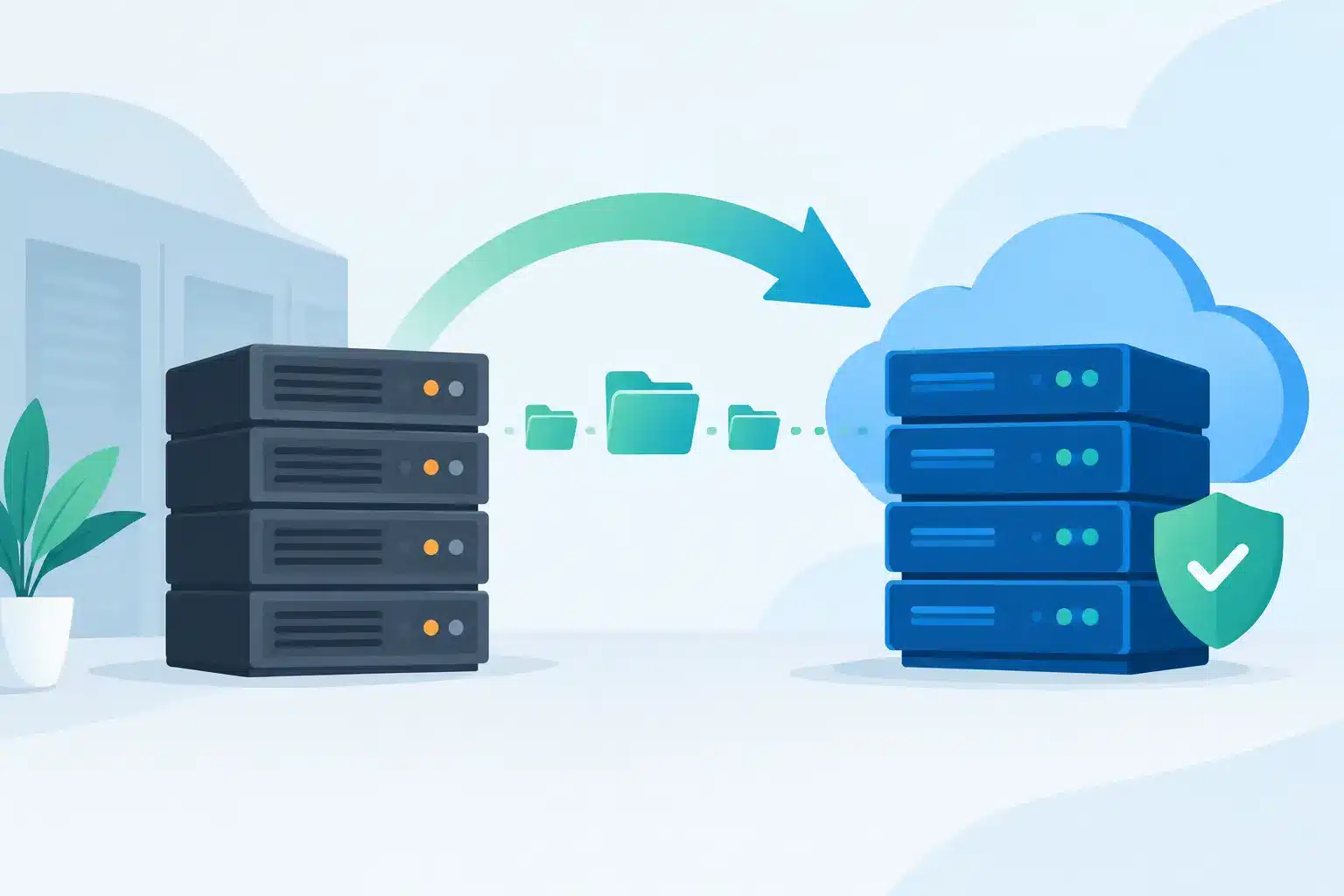
A legacy server rarely fails at a convenient time. It fails during month-end processing, a busy trading period or when the one person who understands its workarounds is unavailable. To migrate legacy servers effectively, businesses need more than a replacement platform. They need a controlled plan that protects operations, data and accountability from the first assessment through to handover.
The goal is not simply to move workloads elsewhere. It is to reduce the operational risk created by ageing hardware, unsupported software, inconsistent backups and systems that are difficult to secure or scale. Done properly, a migration gives the business a stronger foundation for the next stage of growth.
When to Migrate Legacy Servers
Server replacement is often delayed because the existing environment still appears to work. That can be a costly definition of success. Hardware can remain online while becoming harder to support, less secure and increasingly expensive to maintain.
Clear warning signs include an operating system approaching end of support, hardware with no available spares, slow application performance, backup jobs that regularly fail, or a server that depends on a single ageing application version. Security requirements may also force the issue. If a system cannot receive security patches, use modern encryption or meet access-control standards, it becomes a business risk rather than an IT inconvenience.
There is also a commercial trigger. A legacy environment can hold back acquisitions, office moves, new locations and hybrid working because every change requires an exception or a workaround. Migration should be considered before that constraint affects customer service or revenue.
Start With Business Impact, Not the Server List
A migration plan should begin by identifying what each server does for the business. Technical inventories matter, but they are not enough. A server labelled “FILESRV02” tells you very little about the teams, processes and deadlines that depend on it.
For each workload, establish the application owner, users, data held, integrations, performance requirements and acceptable outage window. Identify whether it supports a business-critical process, such as finance, stock control, production, customer service or identity management. This gives the project team a meaningful order of priority.
It also prevents a common mistake: moving a server exactly as it is because nobody has had time to assess it. Some workloads should be migrated to a modern virtual environment. Others may be better replaced by a supported application, moved to a cloud service or retired altogether. A lift-and-shift migration can be faster, but it may also preserve old dependencies and future support problems.
Build a Case for Each Workload
The destination should suit the workload, not a preferred technology model. On-premises infrastructure may be the right choice where performance, local equipment integration, predictable workloads or data requirements demand it. A private cloud or hosted environment can work well for systems that need resilience without the burden of maintaining physical hardware. Public cloud services may offer flexibility, but only when costs, skills and application design are properly understood.
For every server, make a clear decision: retain and migrate, modernise, replace, archive or decommission. That decision should account for more than technical compatibility. Consider licensing, support contracts, recovery objectives, connectivity, user experience and ongoing management costs.
This is where many projects either gain control or accumulate risk. A clear workload decision reduces unnecessary spend and avoids carrying obsolete systems into a new environment simply because they were not documented.
A Controlled Plan to Migrate Legacy Servers
A successful migration is a sequence of managed changes, not a single weekend event. The project needs named owners, defined approval points and communication that reaches the people affected by any planned outage.
A practical migration plan should cover four areas:
- Discovery and dependency mapping: document servers, applications, databases, storage, network rules, service accounts, scheduled tasks and third-party connections.
- Target design and security: define the new platform, backup approach, identity controls, monitoring, patching and access requirements before workloads move.
- Testing and cutover: prove that applications, data, permissions and integrations work in the target environment, then schedule the live move around business priorities.
- Validation and support: confirm performance, backup completion, user access and security monitoring after cutover, with a clear route for resolving issues quickly.
The cutover plan should be specific. It needs a start time, end time, responsibilities, user communications, validation checks and a rollback decision point. “We will move it on Saturday” is not a plan. A plan explains how the team will know the migration has succeeded and what will happen if it has not.
Protect Data Before, During and After the Move
Data integrity is one of the highest-risk areas in any server migration. Copying files or databases is not the same as proving that the data is complete, current and usable.
Start with a verified backup. Test restoration before the migration begins, especially for systems that have not been restored recently. Confirm retention requirements and identify data that must be preserved for contractual, financial or compliance reasons.
During the migration, use a defined method for synchronising changes made on the old system. Depending on the workload, that may involve replication, a final data copy during an outage window or an application-aware migration tool. The right approach depends on how much data changes during the day and how much downtime the business can accept.
After cutover, validate more than file counts. Test reports, transactions, permissions, database consistency and integrations with other systems. Keep the original environment available for the agreed rollback period, but restrict access carefully so staff do not continue working in two versions of the same system.
Security Must Improve, Not Move With the Problem
Legacy servers often carry hidden security debt. They may use outdated protocols, shared administrator accounts, broad network permissions or unsupported operating systems. Recreating these weaknesses in a new environment makes the migration look successful while leaving the underlying exposure unchanged.
Use the project to review privileged access, enforce multi-factor authentication where appropriate, separate administrative accounts from daily user accounts and apply least-privilege permissions. Segment workloads that do not need to communicate directly, and record the firewall rules required for each application.
Security monitoring, endpoint protection, patch management and tested backups should be designed into the target service. They should not be treated as tasks to complete later when the project has already run out of time or budget.
Test for Real Working Conditions
Technical testing alone will not show whether the business can operate after cutover. An application may launch successfully while a warehouse label printer, finance export or remote user connection fails under real conditions.
Bring business users into user acceptance testing early. Ask them to complete the processes they perform every day, including exceptions and peak-period tasks. Test remote access, printing, scanning, reporting, scheduled jobs and integrations with suppliers or customers where relevant.
Performance also deserves attention. A new server may have more processing power, but performance can still suffer if storage, network capacity, virtualisation settings or database configuration are poorly matched to the workload. Establish a baseline before the move so there is a meaningful comparison afterwards.
Avoid the Most Expensive Migration Mistakes
The most damaging migrations are usually not caused by one dramatic technical failure. They are caused by gaps in preparation. Missing dependencies, unclear ownership and untested recovery plans create delays that become visible only when users cannot work.
Avoid treating every server as equally important. Prioritise by business impact, and schedule lower-risk workloads first where possible. Avoid relying on undocumented knowledge held by one employee or supplier. Capture it, test it and assign responsibility for it.
Equally, do not decommission old infrastructure immediately after a successful cutover. Retain it securely for an agreed period, subject to data protection requirements and licence considerations. Once confidence is established, remove it properly: erase data, cancel unnecessary support and update the asset register, documentation and disaster recovery plan.
One Accountable Team Reduces Project Risk
A server migration touches infrastructure, networking, cybersecurity, backup, applications and end-user support. When each area is managed by a different provider, problems can quickly become someone else’s responsibility.
A single accountable delivery partner brings design, deployment, testing and ongoing support into one operating model. For businesses managing a wider technology refresh, WestTech can coordinate the infrastructure work alongside managed IT, security and continuity requirements, reducing handovers at the points where projects most often stall.
The right time to plan a migration is while the legacy server is still functioning and the business has choices. Start with the workloads that create the greatest operational risk, give each one a clear future state, and make every cutover decision against the needs of the people who rely on it.






