

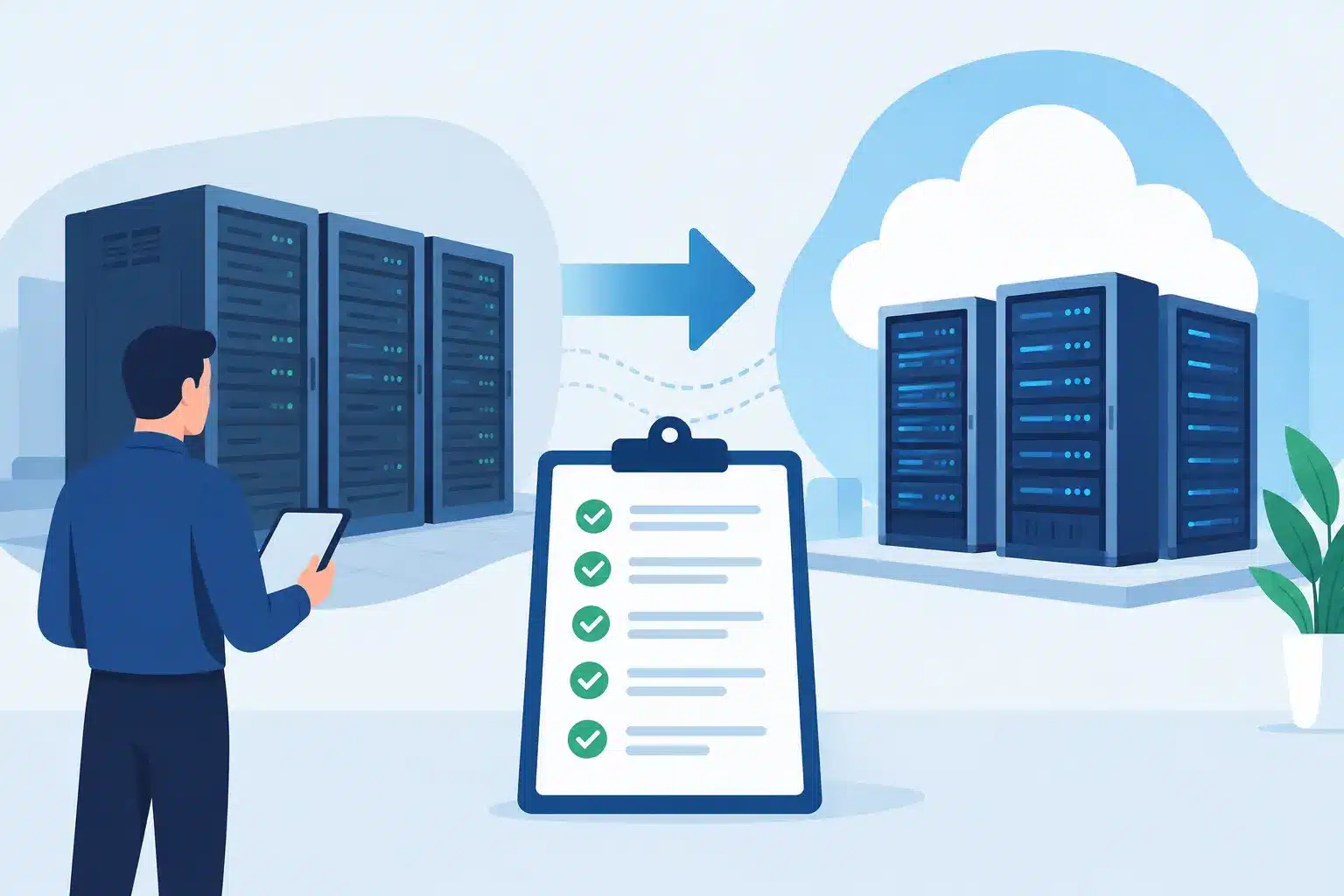
A data centre move rarely fails because a server cannot be lifted or a rack cannot be rebuilt. It fails when dependencies are missed, ownership is unclear or the rollback plan exists only in someone’s head. The best data centre migration checklist turns a high-risk infrastructure project into a controlled business change, with decisions made before the maintenance window starts.
For IT leaders, operations teams and facilities stakeholders, the objective is not simply to move equipment. It is to protect revenue, customer access, security controls and staff productivity while creating an environment that can support the next stage of the business.
Why data centre migrations create business risk
A migration affects more than the hardware named on the move schedule. Applications may rely on a specific firewall rule, storage path, DNS record, power feed, carrier circuit or physical security control. A small oversight can leave a critical system unavailable long after the equipment has arrived at the new location.
The pressure increases when several suppliers are involved. One party manages connectivity, another handles transport, another provides the new racks, and an internal team is expected to coordinate everything. When an issue appears at 2am, accountability can become fragmented very quickly.
A well-run migration uses a single plan that joins technical, operational and facilities work. It also recognises that not every workload should move in the same way. Some systems can be lifted and shifted. Others should be retired, consolidated, virtualised or moved to cloud services instead. The right answer depends on performance requirements, compliance obligations, application dependencies and the cost of supporting legacy equipment.
Best data centre migration checklist: plan before moving
The planning phase determines whether migration weekend is controlled or chaotic. Do not begin with a list of devices. Begin with a clear business case and a defined target state.
Set scope, governance and success criteria
Document exactly what is moving, what is being replaced and what is being decommissioned. Include production systems, backup infrastructure, management tools, network equipment, carrier services and any physical systems connected to the environment.
Name an accountable project owner with authority to make decisions. Then assign owners for infrastructure, security, applications, facilities, suppliers, communications and change control. Every task needs a named person, a due date and an agreed completion test.
Success criteria should be measurable. For example, priority applications are available within an agreed recovery window; backups complete successfully from the new site; monitoring is reporting correctly; and business users can access essential services. “The move went well” is not a testable outcome.
Build a complete asset and dependency inventory
Create a verified inventory rather than relying on an old configuration management database or a spreadsheet from the last refresh. Record serial numbers, rack positions, power requirements, operating systems, firmware levels, support contracts, network addresses and data classifications.
For each application, identify upstream and downstream dependencies. That includes identity services, databases, shared storage, network name resolution, certificates, payment gateways, scheduled jobs and third-party integrations. Speak with application owners directly. Technical assumptions made without their input are a common source of post-migration incidents.
Classify workloads by criticality. Tier-one services need tighter outage limits, more detailed validation and potentially a parallel or phased approach. Lower-risk services may be suitable for a later wave, giving the team a chance to prove the process before moving business-critical systems.
Validate the target site before the change window
A new data centre is not ready because racks are installed and lights are on. Confirm usable rack space, floor loading, cooling capacity, dual power paths, earthing, fire suppression, access controls and environmental monitoring. Check that equipment is compatible with the new power arrangement and that the required plug types, power distribution units and cable lengths are available.
Test carrier circuits end to end. Confirm bandwidth, hand-off type, resilience, routing, public addressing and failover behaviour. If connectivity is being changed, agree when DNS, firewall and routing updates will occur and who will make them.
Security should be designed into the target environment, not applied after the move. Review network segmentation, privileged access, logging, vulnerability management, encryption, backup protection and visitor procedures. If your organisation works under regulatory or contractual controls, make sure the migration evidence supports those obligations.
Prepare the move sequence and rollback plan
Migration plans need precision, but they also need room for reality. Timings will move. A device may fail to start. A supplier may arrive late. The plan should show how the team will respond without improvising critical decisions.
Create a runbook for each migration wave. It should cover pre-checks, shutdown approval, backup confirmation, labelling, disconnection, packing, transport, rack installation, cabling, power-on order, configuration changes, functional testing and business sign-off. Record the expected duration for every stage and the latest point at which rollback remains viable.
A rollback plan is not a vague promise to restore the old service. Define the trigger for rolling back, who can authorise it, how data changes will be handled and what services must be restarted at the original site. If the old environment will be unavailable or dismantled immediately, be honest about the risk: that is not a rollback-capable migration.
Before move day, run a tabletop exercise with the core team. Walk through a carrier outage, a failed storage array, a security alert and an application that does not pass testing. This exposes missing contacts and unclear handovers while there is still time to fix them.
Control execution during migration weekend
During the change window, communication is an operational control. Establish one command channel, one current version of the runbook and a defined cadence for status updates. Teams should not be working from separate documents or making unrecorded changes.
Use a formal stop-go process at key points: before shutdown, before equipment leaves the source site, before production power-on and before business handover. At each stage, confirm that the required checks are complete and that the decision is logged.
Chain of custody matters. Label every asset, photograph rack layouts where useful, record departure and arrival times, and maintain a signed equipment register. Sensitive devices and storage media need secure transport and clear accountability. Insurance, access permissions and delivery arrangements should be confirmed well before the lorry arrives.
Once systems are powered on, bring them back in a planned order. Core network, security, storage, virtualisation and identity services typically need to be stable before dependent applications can be tested. Avoid the temptation to declare success because a server responds to a ping. Technical availability and business usability are different tests.
Test services from the user perspective
Validation should combine infrastructure checks with real business scenarios. Confirm performance, authentication, access permissions, backups, monitoring alerts, remote access, printing where relevant and integrations with external platforms. Ask application owners to complete agreed acceptance tests rather than leaving validation solely with the infrastructure team.
Pay particular attention to hidden operational dependencies. Scheduled reports, overnight batch jobs, scanning devices, digital systems at remote sites and alerting tools may not be tested during the core migration window. Build checks for these into the first business day and assign owners to review the results.
Monitor closely after handover. Increased latency, storage errors, cooling alerts or failed backup jobs may not cause an immediate outage, but they can indicate a problem that will become costly if left unresolved.
Complete the migration properly
The move is not complete when users return to work. Update network diagrams, asset registers, support documentation, disaster recovery plans, configuration baselines and supplier records. Remove obsolete firewall rules and access permissions. Confirm that old circuits, racks and services are cancelled only after the new environment has met its stability period.
Then hold a short, factual review. Measure actual downtime against the approved window, capture incidents and identify actions that will improve future changes. This is particularly valuable for businesses planning further consolidation, office moves or cloud adoption.
The best data centre migration checklist is ultimately a discipline, not a document. It gives every supplier and internal team a shared standard for preparation, control and proof. For organisations managing complex infrastructure, WestTech can bring the planning, facilities coordination, security focus and accountable delivery needed to make that standard work under pressure.
A migration should leave your business with more than equipment in a different room. It should leave you with clearer ownership, stronger resilience and an infrastructure platform that is easier to manage tomorrow.






