

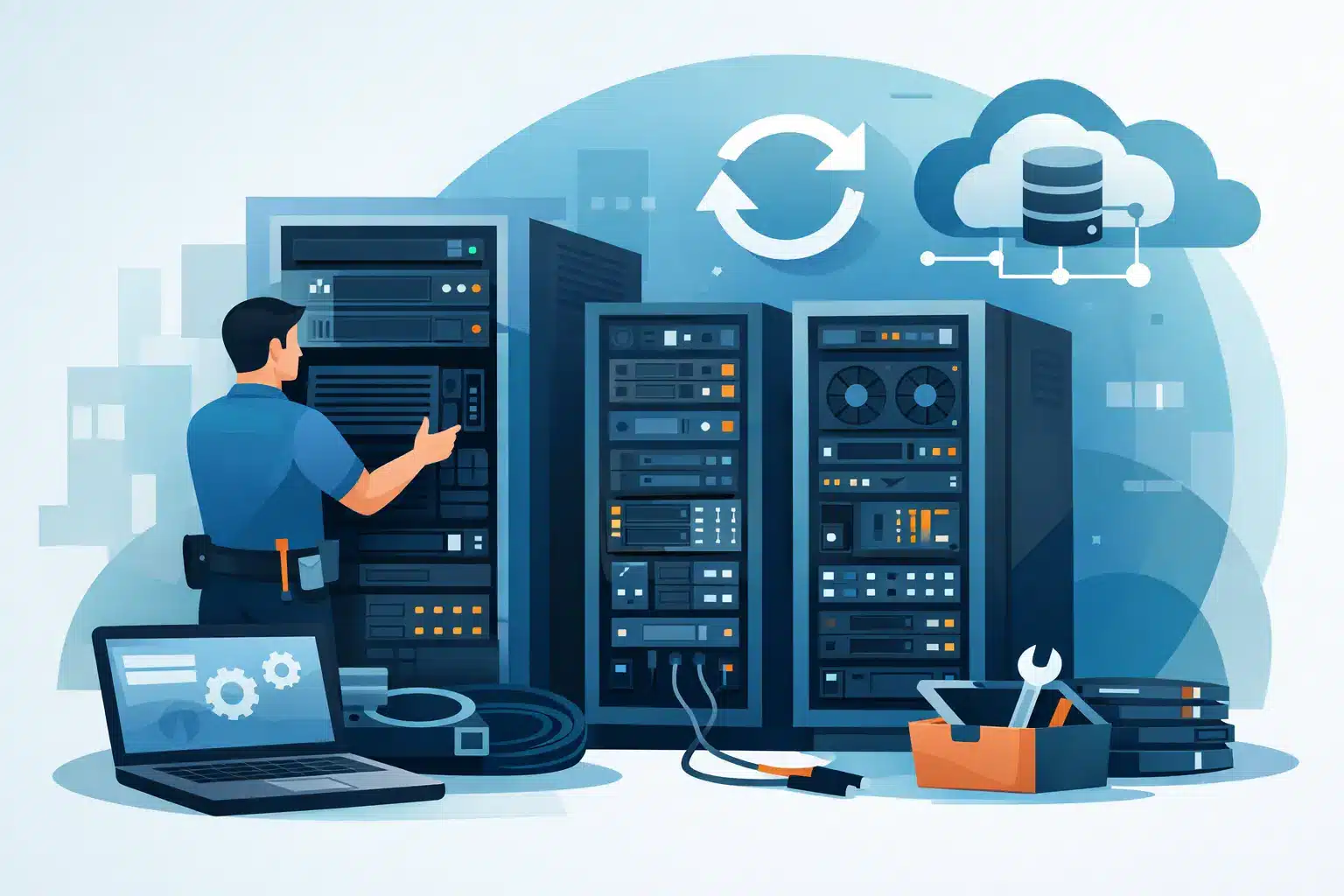
A server room rarely fails without warning. The warning signs are usually familiar: racks filling up without a plan, rising temperatures, unexplained outages, tangled cabling, ageing UPS batteries, and a growing list of exceptions that only one person understands. This server room upgrade guide is designed to turn those risks into a controlled infrastructure programme that protects continuity, security and future growth.
For most businesses, the objective is not to build a data centre. It is to create a dependable, manageable environment for the systems that still need to remain on site, while making sensible use of cloud services and managed infrastructure. The right scope depends on your workload, compliance requirements, recovery targets and plans for the next three to five years.
Start the server room upgrade with business risk
Do not begin with a hardware catalogue. Begin by identifying what the room supports and what the business loses if those services stop. A file server that can be unavailable for a day has a different requirement from a production system, phone platform, security system or local network core that affects every user and site.
Document each workload, its owner, its dependencies and the acceptable period of disruption. This creates a practical priority list for investment. It also exposes a common weakness: infrastructure is often upgraded in isolation, while the applications, internet circuits, backup platform and recovery process around it remain unchanged.
Ask direct questions. Can the business operate if the room loses power for four hours? What happens if cooling fails overnight? Is there a tested way to restore critical systems elsewhere? Are remote users, branch offices or retail locations reliant on equipment in this room? Clear answers are more useful than assumptions when budget decisions are being made.
Assess the room before specifying equipment
A site assessment should cover the physical room as carefully as the IT estate. Server performance and cyber resilience both depend on the conditions around the equipment.
Power capacity and resilience
Check the supply capacity, distribution boards, rack PDUs and circuit labelling. Identify which equipment is protected by UPS and whether the UPS is correctly sized for the real load, not the load recorded years ago. Batteries have a finite service life, and a unit that appears healthy may provide far less runtime than expected.
Decide what the UPS is intended to achieve. Short runtime may be enough where a generator is available and regularly tested. In a smaller office without a generator, longer runtime may allow an orderly shutdown or bridge a short outage. Neither approach is automatically right. The key is to match it to the organisation’s recovery plan.
Power work must also be planned around maintainability. A single UPS, single feed or overloaded extension arrangement creates a clear point of failure. Dual power supplies can improve resilience, but only when they are connected to genuinely separate protected paths. Otherwise, redundancy exists on paper rather than in operation.
Cooling, airflow and room conditions
Heat is one of the fastest ways to shorten equipment life and trigger avoidable outages. Measure actual rack inlet temperatures, not just the ambient temperature near the door. Review airflow direction, blanking panels, cable congestion and the separation of hot exhaust air from cool intake air.
A comfort cooling unit designed for people may not control temperature or humidity reliably in a high-density equipment room, particularly outside office hours. Dedicated cooling may be justified, but it brings capital cost, maintenance needs and another dependency. For a lightly loaded room, improving airflow and monitoring can be a more proportionate first step.
Install environmental monitoring for temperature, humidity, water leaks, smoke and unauthorised access. Alerts should reach a monitored support team or named on-call contacts, not an unattended inbox. Monitoring only adds value when someone has ownership of the response.
Fire protection and physical security
Confirm that the room’s detection and suppression arrangements are appropriate for the building and the equipment inside it. This should be reviewed with qualified fire and facilities specialists, particularly where room layouts, power loads or rack density are changing. Do not treat fire protection as an IT-only decision.
Physical access deserves the same discipline. Server rooms should not double as general storage areas or be accessible with a widely shared key. Use controlled access, maintain a visitor record where appropriate and ensure cameras, alarms and access logs align with the organisation’s security policy. A locked door is useful; accountability is better.
Modernise the infrastructure, not just the servers
Replacing ageing servers may solve an immediate performance problem, but it does not automatically improve availability. A meaningful upgrade reviews compute, storage, networking, backup and management together.
Virtualisation can reduce the number of physical servers and make recovery more flexible, but it concentrates risk if hosts, shared storage and backups are not designed properly. Hyperconverged infrastructure may simplify management for some organisations, while separate compute and storage can suit environments with specialist performance or scaling needs. The right design follows the workload, available skills and support model.
Network equipment should be assessed for capacity, support status, configuration backups and security capability. Legacy switches and firewalls often become the quiet constraint in an otherwise modern environment. Segment critical systems from user devices, guest networks, building technology and internet-facing services. Segmentation limits the spread of an incident and makes future troubleshooting far easier.
Avoid buying capacity only for the current problem. Allow realistic headroom for new staff, additional applications, backup growth and higher power draw. Excessive overprovisioning wastes money, but operating every component near its limit leaves no room for maintenance, failure or business change.
Make backup and recovery part of the upgrade
A new server room does not replace a recovery strategy. Backups must be protected from the same failure scenarios as the production systems, including ransomware, accidental deletion, hardware faults and site loss.
Use more than one copy of critical data, stored across separate systems or locations, with at least one copy protected from alteration by compromised credentials. The exact design may combine local backup for fast restores, immutable cloud storage and an off-site recovery environment. What matters is that the business can recover within its agreed time and data-loss targets.
Test restoration before signing off the project. Restoring a single file is not the same as recovering a business application with its database, permissions and network dependencies. Record the steps, timings and gaps discovered during testing. A recovery plan that has not been tested is a document, not an operational safeguard.
Plan the change window and rollback path
The best technical design can still cause disruption if the migration is poorly managed. Build a phased plan covering pre-staging, configuration review, backups, user communications, cutover, validation and rollback. Agree decision points in advance so teams know when to proceed and when to reverse a change.
Where possible, build and test new equipment alongside the existing estate. This reduces the pressure on the cutover window and allows problems to be found before production is affected. However, parallel running can introduce licensing, power and space constraints, so the approach needs early coordination with IT, facilities and finance.
Assign one accountable lead across suppliers. Server room projects commonly involve electrical contractors, cooling specialists, network providers, hardware vendors, security teams and internal stakeholders. When responsibility is fragmented, small dependencies become delays. A single delivery partner can coordinate design, installation and ongoing support, with clear ownership when issues arise.
Build ongoing management into the investment
An upgrade is complete only when the new environment can be operated consistently. Update rack layouts, network diagrams, asset records, power schedules, access procedures and support contacts. Label cables and circuits clearly enough that an engineer can work safely during an incident without relying on institutional knowledge.
Set baseline reporting for capacity, temperatures, UPS health, backup success, patching and security alerts. Review those measures regularly, not only after an outage. Proactive support turns infrastructure from a recurring emergency into a managed service with predictable costs and clearer decisions.
WestTech can bring IT, cybersecurity, infrastructure, electrical and facilities coordination under one accountable delivery model. That matters when the work extends beyond replacing a server and into protecting the operating environment around it.
A well-planned server room upgrade gives your team something more valuable than newer equipment: confidence that critical services can keep running, recover when they cannot, and grow without another rushed rebuild.






