

A digital sign that freezes during a promotion, goes black in a reception area, or cannot be updated without a site visit is not a communications tool. It is an operational problem. The best digital signage hardware options are the ones that fit the environment, content plan and support model from day one – not simply the screens with the biggest specifications.
For businesses managing offices, retail locations, hospitality sites or public-facing facilities, signage hardware needs to work consistently, be simple to manage and remain viable as requirements change. That means looking beyond the display itself.
What business-grade digital signage hardware includes
A complete signage deployment is made up of more than a screen and a content platform. The right hardware combination depends on where the display will operate, how long it will run each day, who will manage it and what happens if a device fails.
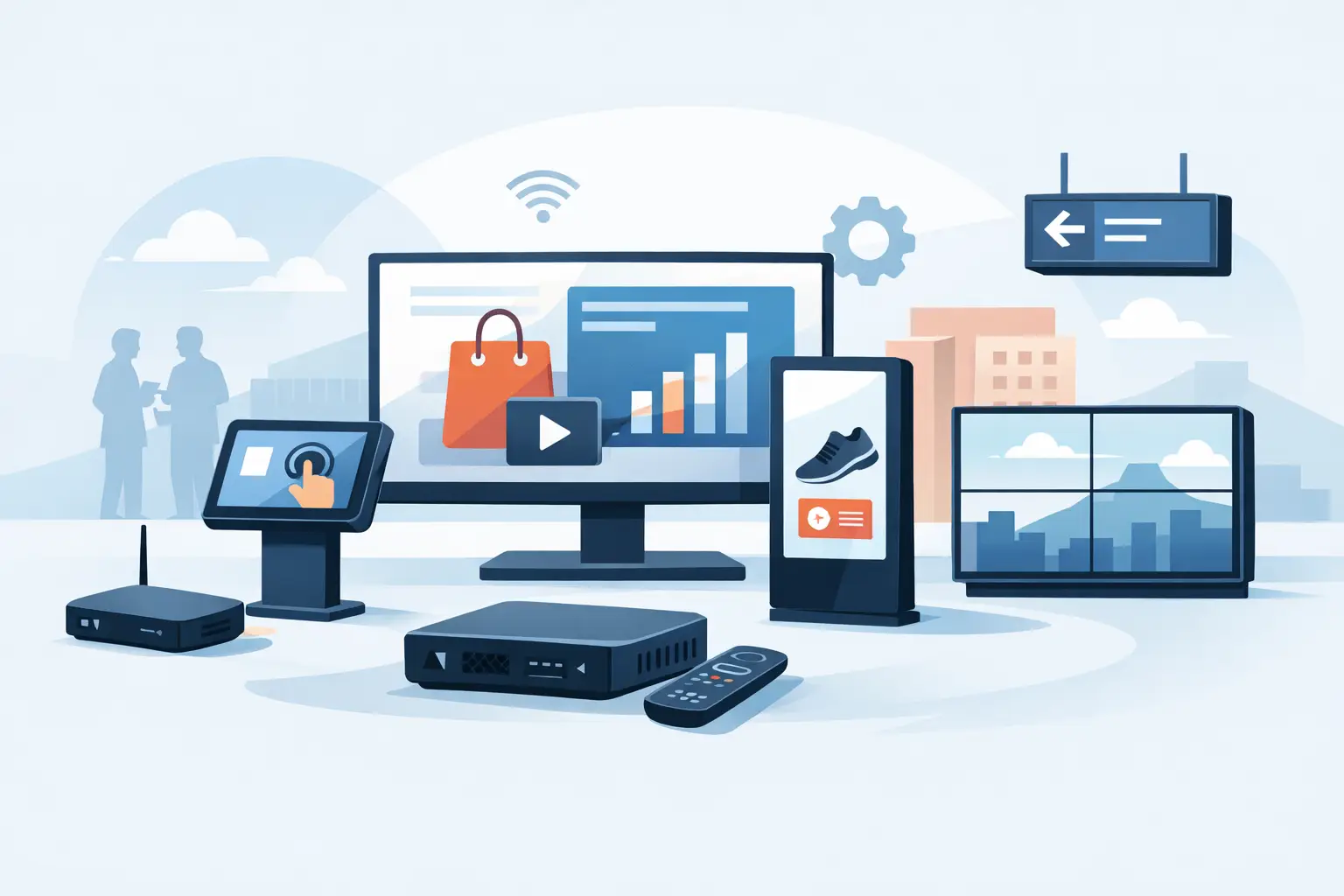
A typical system includes a commercial display or LED wall, a media player or built-in system-on-chip player, secure network connectivity, suitable mounting, power provision and cable management. Interactive installations may also need touch overlays, cameras, sensors or integrated meeting-room equipment.
The most appropriate choice is rarely the cheapest component in each category. A lower upfront cost can quickly disappear if consumer-grade equipment fails early, requires frequent manual attention or creates a patchwork of unsupported devices across multiple sites.
Commercial displays for dependable daily use
Commercial LCD and LED displays are the starting point for most business signage projects. Unlike domestic televisions, they are designed for longer operating hours, better thermal management, central control and installation in public or professional settings.
For office communications, reception areas and meeting spaces, a standard commercial display rated for 16 hours a day may be sufficient. Retail, transport and hospitality environments often need 24/7-rated screens that can cope with extended use and higher ambient light. Brightness matters as much as resolution. A display positioned behind a sunlit shopfront may need 2,500 nits or more, while an internal corridor can often perform well at a much lower brightness level.
Screen size should be based on viewing distance and content type. A 55-inch display can be effective for close-range internal messaging, but may be too small for a busy reception viewed from across a large space. Oversizing a display, however, can create installation, power and budget pressure without improving readability.
Built-in signage players versus external media players
Many commercial displays include a system-on-chip player, allowing content to run directly on the screen without an additional device. This can reduce hardware, cabling and installation complexity. It is often a practical option for standard menus, internal announcements, promotional content and multi-screen deployments using a compatible content management system.
External media players provide more flexibility. They are generally the better choice where content is demanding, interactive, data-driven or required to run across unusual screen configurations. They can also make future replacement easier, as the display and player can be upgraded independently.
The trade-off is straightforward. Built-in players simplify a standard deployment, while external players give greater processing power and broader software choice. The right decision depends on the content roadmap, not just the launch requirement.
LED walls for high-impact shared spaces
Direct-view LED is increasingly used in showrooms, corporate entrances, control rooms and large retail spaces. It offers high brightness, flexible sizing and an impressive visual result, especially where a conventional screen would leave visible bezels or lack the required scale.
It also requires more planning. Pixel pitch must suit the typical viewing distance, and the installation needs appropriate structural support, ventilation, power distribution and access for servicing. A fine-pitch LED wall can look exceptional at close range, but it carries a higher cost and may be unnecessary for a display viewed from several metres away.
For many organisations, LED is best reserved for a focal point where visual impact directly supports visitor experience, brand presentation or operational visibility.
The best digital signage hardware options by environment
The hardware should reflect the working conditions, not a generic product list. A display that performs well in a boardroom may be unsuitable for a shop window or factory floor.
Offices, receptions and meeting areas
Office environments usually benefit from commercial displays with built-in players or compact external players. Priorities include clean installation, clear presentation of internal updates and simple scheduling for reception messaging, room availability or company communications.
For meeting spaces, signage can work alongside room-booking panels and collaboration systems. It is worth planning these systems together, particularly where network cabling, power points and wall mounting are being installed or upgraded. This avoids avoidable rework and keeps the user experience consistent across the site.
Retail, hospitality and customer-facing locations
Customer-facing sites place more demand on brightness, uptime and remote management. Displays may run all day, need frequent content updates and be exposed to sunlight, heat or busy public areas. High-brightness commercial screens, lockable enclosures and centrally managed media players are often the sensible choice.
Where a business operates multiple branches, consistency is essential. Standardising approved displays, players and mounts makes rollout faster, reduces spare-part complexity and gives support teams a clear baseline when faults arise.
Industrial, warehouse and operational spaces
Warehouse, production and logistics environments need legibility and resilience rather than showroom aesthetics. Large-format commercial screens, protective enclosures and secure mounting are commonly required. In some locations, cable routes, dust, vibration, temperature variation and wireless coverage will influence the final design more than the display specification.
Operational dashboards should also be designed for distance. Staff need to understand key messages quickly, so clear layouts, large type and limited on-screen information matter as much as the hardware itself.
Outdoor and high-brightness installations
Outdoor signage is a specialist deployment. An indoor display placed near an entrance is not an outdoor display, even if it is partially covered. Weather-rated enclosures, temperature control, high brightness, anti-glare performance, secure fixing and appropriate electrical protection all need consideration.
This is an area where cutting corners can lead to early equipment failure, poor visibility and safety risks. A site survey should establish sunlight levels, weather exposure, mounting constraints, available power and network access before hardware is selected.
Do not overlook the supporting hardware
The screen is the visible part of the project, but the supporting infrastructure determines whether it stays reliable. Professional mounting protects the display, supports safe access and presents a finished installation. Incorrect mounts or inadequate wall assessment can create both safety and warranty concerns.
Power and connectivity need equal attention. Each display and player requires a dependable power source, while network design should support remote content updates without exposing signage devices to unnecessary risk. Wired connections are often preferable for fixed screens carrying business-critical content, although managed wireless can suit smaller or less permanent installations.
Cable management should be planned rather than treated as a final detail. Hidden, labelled and accessible cabling makes the installation safer, easier to maintain and more professional for staff and visitors.
Choose hardware with management and security in mind
Digital signage devices sit on the business network. They should be inventoried, configured securely, updated where supported and monitored as part of the wider IT estate. An unmanaged media player with default credentials or outdated software can become an unnecessary point of exposure.
Look for hardware that supports remote monitoring, scheduled restart, device health reporting and controlled access. These features reduce the need for site visits and help teams identify an issue before a blank screen becomes visible to customers or staff.
Lifecycle planning is equally valuable. Ask how long the display is expected to be supported, whether replacement units will be available, and how easily a failed player can be swapped. A standardised hardware estate is easier to support than a collection of one-off devices purchased over several years.
A practical way to make the right choice
Before comparing models, define the operating conditions and business outcome. Establish where each screen will sit, its viewing distance, operating hours, content type, brightness requirement, network connection and required response if it fails. Then decide whether the system needs a basic built-in player, a dedicated external player or a more specialised LED or interactive solution.
The best investment is one that delivers reliable communication without creating another management burden for IT or facilities teams. WestTech can bring signage, AV, electrical, network and ongoing support requirements into one accountable deployment, reducing the hand-offs that often delay projects and complicate fault resolution.
Start with the message your audience needs to see, then build the hardware around the environment that message must survive in. That approach produces signage that remains clear, supported and useful long after installation day.






