
Copilot: help while you work
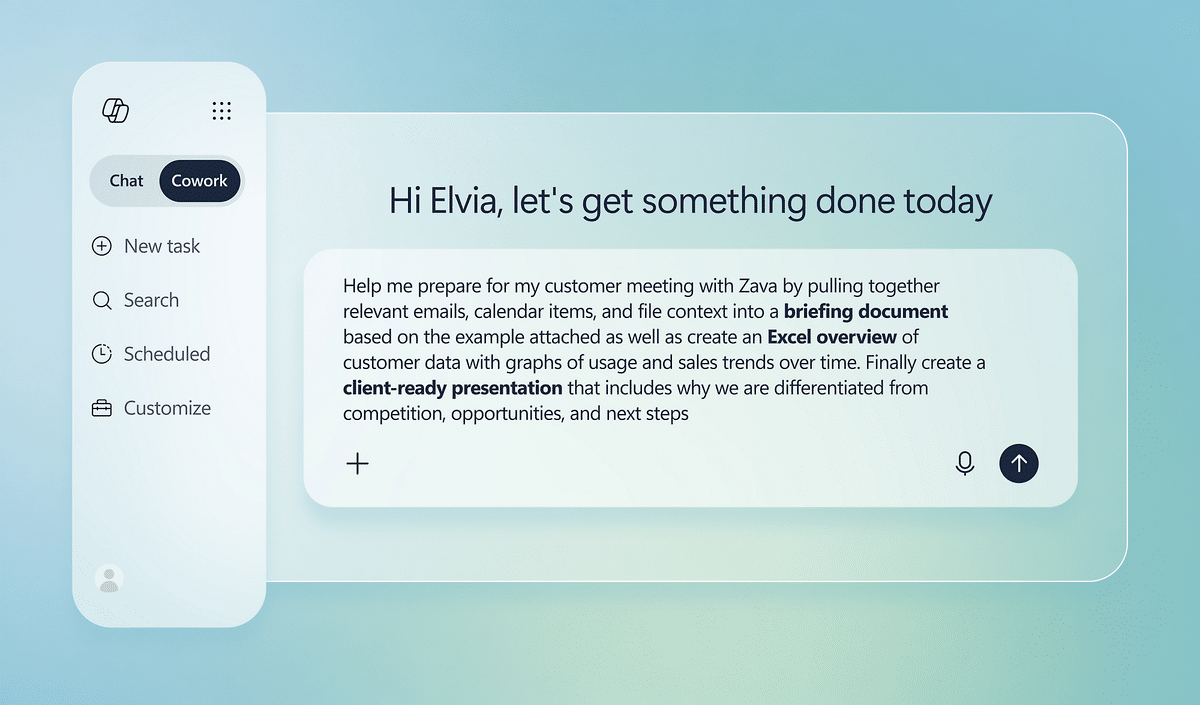
A person asks for a summary, first draft or analysis inside a supported application. For example, turn approved meeting notes into a draft action list, or compare a tender’s requirements with existing response material.
Turn AI into practical progress across tenders, quotations, documents, meetings and business workflows. WestTech helps you choose valuable use cases, prepare your information and roll out Copilot and automation with clear controls.
You do not need to automate your whole business at once. Start with a repeatable task, use approved information and decide who checks the result.
A person asks for a summary, first draft or analysis inside a supported application. For example, turn approved meeting notes into a draft action list, or compare a tender’s requirements with existing response material.
An agent can answer questions or follow a defined process using connected business information. Automation moves information or requests approval between systems. Access, connectors, licences and approval boundaries must be designed around the task.
| A practical starting point | AI can prepare | Your team stays responsible for |
|---|---|---|
| A construction tender | A requirements checklist and first draft using approved evidence. | Technical accuracy, credentials, contractual commitments and submission. |
| A quotation | A draft scope and estimate structure using authorised pricing information. | Current costs, quantities, margins and final price. |
| A legal document | A summary, comparison or first draft from permitted source documents. | Legal judgement, confidentiality, accuracy and client advice. |
| An internal assistant | Answers grounded in approved procedures and a route to request help. | Document permissions, reliable sources and escalation to a person. |
We help you choose a pilot, establish a starting measure, test output quality and train the people using it. Measure the time saved alongside accuracy and review effort before expanding.
Find the right first AI workflow ↗Microsoft Copilot Documents & tenders
 Quotes & analysis
 Email & follow-up
Think about the work that repeats every week: assembling tender responses, drafting proposals, summarising documents, preparing meeting notes or chasing approvals. These are useful places to begin an AI programme.
We help identify the source information, the people involved and the standard a good result must meet. Then we select the appropriate Copilot, agent or automation approach and test it against the real task.
The aim is a repeatable process with a measurable benefit, not another disconnected tool.
Explore a starting point for your sector. These are illustrative workflows informed by Microsoft’s scenario library and adapted to business needs, not promised performance results. We confirm the product, licence, integrations and information controls before a pilot.
Turn a tender pack into a requirements checklist, gather approved project evidence and draft response sections. Summarise site meetings and prepare clarification or supplier emails from agreed notes.
Where it helps: Less time assembling the first draft; estimators and project leads check quantities, pricing, technical claims and commitments.
Adapted workflow for construction teams ↗Summarise permitted matter documents, compare contract clauses with standard terms and prepare preliminary correspondence. Use an agent to help locate approved templates and route requests for review.
Where it helps: A more organised starting point for qualified reviewers, with confidentiality and source checking built into the process.
Microsoft legal scenarios ↗Bring together meeting notes and approved policy information, draft client follow-ups and prepare research or audit documentation. A scoped agent can help staff retrieve product guidance.
Where it helps: Quicker preparation and information retrieval; financial advice, eligibility decisions and regulated communications remain subject to the appropriate professional controls.
Microsoft financial services scenarios ↗Draft shift and incident summaries, organise maintenance information and prepare supplier communications. Connected agents can support production planning when the required systems and data are integrated.
Where it helps: Less repetitive reporting and easier access to operating knowledge. Engineers and planners validate actions before they affect production or safety.
Microsoft manufacturing scenarios ↗Prepare non-clinical meeting summaries, draft internal communications and assemble quality or administrative reports from approved material. Keep access to sensitive information tightly scoped.
Where it helps: More time for operational work, with privacy, professional review and organisational approval built in. Clinical uses require a separately assessed solution.
Microsoft healthcare scenarios ↗Summarise store reports and feedback, draft campaign briefs and help staff find current procedures. Copilot Studio agents can support stock-planning workflows when connected to suitable business data.
Where it helps: More consistent communications and less manual collation across sites; commercial teams approve pricing and stock decisions.
Microsoft retail scenarios ↗Prepare draft teaching materials, policy documents, meeting actions and administrative communications. Adapt approved content for different audiences and support staff collaboration.
Where it helps: Less time spent starting documents from scratch. Staff check accuracy, suitability and privacy; education licensing and eligibility are assessed separately.
Microsoft education scenarios ↗Build proposal outlines, prepare quotation drafts using authorised prices, summarise account meetings and route requests through an approval workflow. Start with one well-defined business process.
Where it helps: A shorter path from request to a reviewed draft, with people retaining control of prices, approvals and customer commitments.
Microsoft functional scenario library ↗Microsoft 365 Copilot, Copilot Chat, Copilot Studio and Azure AI services have different capabilities and licensing. A custom agent or connected business workflow may need additional setup, connectors and consumption capacity.
Extract requested sections, deadlines and evidence into a structured checklist.
Collect relevant project examples, policies and authorised commercial inputs.
Generate a structured first draft and highlight missing details or assumptions.
Technical and commercial owners validate the response and authorise submission.
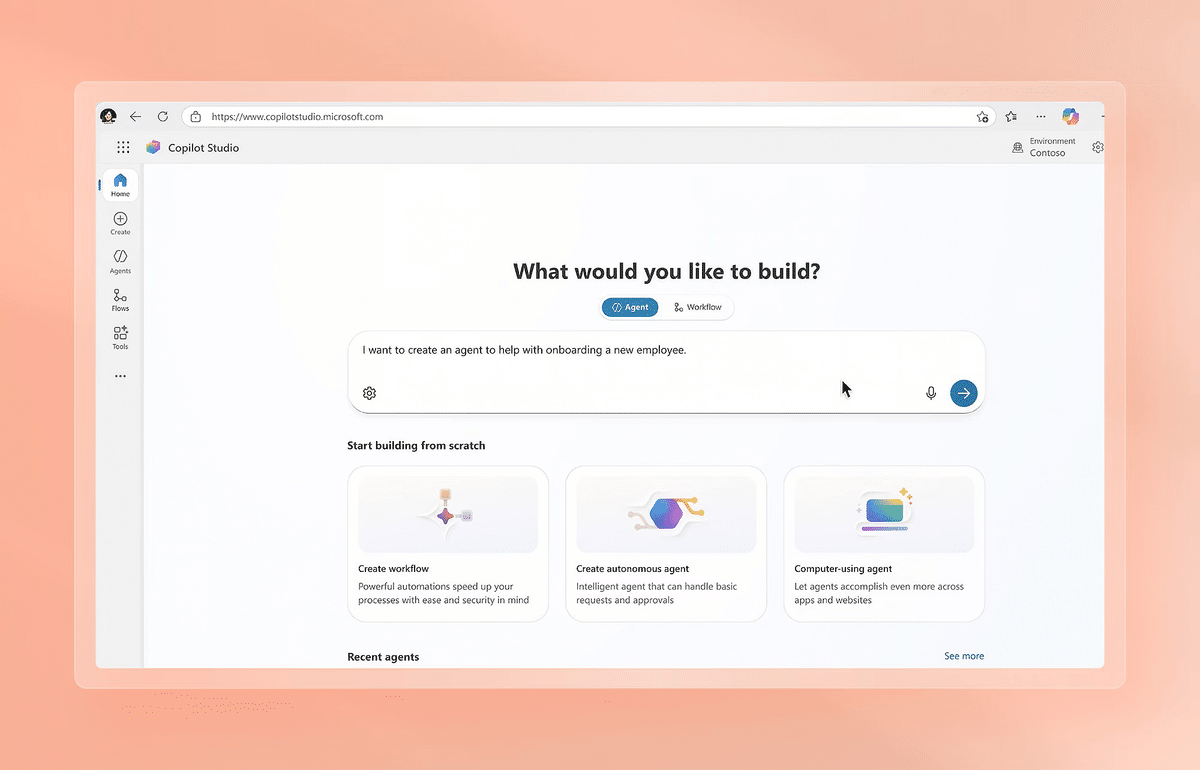
Copilot Studio can be used to build agents connected to approved knowledge and business processes. Power Automate can route requests, approvals and notifications; integrations depend on the connectors and licences selected.
Examples include an internal IT request assistant, a tender-library assistant, a policy knowledge bot or a sales-enquiry triage flow. We define what each agent can access and which actions it may take.
External communications, purchasing, contractual commitments and sensitive decisions can be kept behind human approval. We scope testing, auditability, failure handling and ongoing ownership before rollout.
| Product or capability | Typical role | What we check |
|---|---|---|
| Copilot Chat | A chat experience available with eligible Microsoft 365 subscriptions | Data protection, access, available features and whether the workflow needs additional capabilities. |
| Microsoft 365 Copilot | Paid AI experiences connected to supported Microsoft 365 work and applications | Eligible base licence, paid entitlement, permissions and app requirements. |
| Copilot Studio | Agents, knowledge connections and workflow integration | Agent scope, connectors, identity, usage and applicable capacity or consumption charges. |
| Power Automate | Process orchestration, approvals and integrations | Connector licensing, trigger behaviour, error handling and approval ownership. |
| Power BI & Fabric Copilot | Analytics and reporting assistance | Separate capacity, tenant settings, regional support and access requirements. |

Review identities, oversharing, information locations and the people who should be able to access each source.
Agree a user group, approved workflows and success measures such as task quality, adoption and time spent.

Teach staff how to provide context, check output, handle information and recognise when a task requires human judgement.

Define approved sources, access boundaries, retention considerations and appropriate handling of sensitive material.
Compare the workflow before and after the pilot. Expand only where the output quality and operational value justify it.
Assign responsibility for the agent, workflow, integrations, licences and periodic review as the business changes.
It can assist with organising requirements, retrieving approved material and preparing drafts. Your team must verify technical content, calculations, pricing and contractual commitments before issue.
Yes. We can scope an agent using approved information sources and appropriate access controls. The design depends on document quality, permissions, integrations and licensing.
Microsoft 365 Copilot is designed around the permissions of the signed-in user. Existing oversharing can still surface information too broadly, which is why a permissions review is part of readiness.
No. We recommend a focused pilot and agreed measures so the business can assess the result in its own workflow.
Start with a tender, quotation, document or repeatable business task. We’ll help assess the opportunity, required information and right route to a controlled pilot.
Corporate engagements • International projects • Managed services
Include your industry, team size and one task you want to streamline. Describe the process without sharing confidential documents or client data.
What happens next: we review your brief, discuss the requirements with you, and agree the next step. We use your details to respond to your enquiry. Privacy questions: sales@westtech.ie.





Copyright 2025 WestTech. All Rights Reserved
