MICROSOFT 365 • BUSINESS PREMIUM • AZURE • POWER BI
Productivity and protection. Built to work together.
Make more of your Microsoft environment. WestTech helps you plan licensing, strengthen identity and device controls, deploy collaboration services and connect cloud infrastructure to business reporting.
Microsoft technologiesConditional AccessDevice managementEndpoint & email protection
WHAT THIS MEANS FOR YOUR BUSINESS
Safer access. Managed devices. A cloud platform that fits your plans.
Microsoft 365 Business Premium provides productivity, identity and security capabilities for your people. Azure provides cloud infrastructure and services for applications, data and connected operations. WestTech helps you decide what you need and configure the pieces to work together.
Control who can get in
Conditional Access uses Microsoft Entra ID P1 to apply access rules. For example, require multi-factor authentication or an enrolled, compliant device before a user opens selected business applications. We plan exceptions, emergency access and a staged rollout to avoid locking out your team.
Business benefit: clearer access rules for office, remote and mobile working.
Keep company devices under control
Intune Plan 1 helps configure supported devices, deploy policies and applications, and check compliance. We define enrolment and ownership rules, manage joiners and leavers, and agree how lost-device actions should work.
Business benefit: more consistent setups and less reliance on manual device administration.
Protect endpoints and respond to alerts
Defender for Business provides endpoint protection and detection capabilities for supported devices. We configure the protection, investigate alerts within the agreed scope and connect incidents to a response process.
Business benefit: stronger visibility and a defined route to act when suspicious activity appears.
Reduce email and phishing risk
Defender for Office 365 Plan 1 adds protections such as Safe Links and Safe Attachments for supported workloads. We combine email policies with domain authentication, user awareness and a way to report suspicious messages.
Business benefit: layered protection around the communications your business depends on.
What Azure can do
When it may help
Host applications, virtual machines and data services
Replace selected ageing systems, support an application rollout or provide capacity without buying every server upfront.
Connect offices, users and cloud workloads
Build secure connectivity and a hybrid design where some systems remain onsite.
Support backup, recovery and service resilience
Design recovery resources and protection for supported workloads, with agreed recovery targets and tests.
Manage usage, access and costs
Set ownership, budgets, monitoring and resource policies so growth stays visible and controlled.
Entra ID, formerly Azure Active Directory, is the identity platform connecting Microsoft 365 and many cloud applications. Its inclusion in Business Premium does not include free Azure servers, storage or all Azure security services. Azure consumption, additional security capabilities and Copilot licences are separately scoped. Business Premium supports up to 300 users; we assess enterprise licensing when the organisation needs a different plan.
A connected workplace needs a security foundation.
Microsoft 365 brings people and information together through email, documents, meetings and shared workspaces. The right configuration also needs to control who can sign in, which devices can connect and how information is shared.
Business Premium combines productivity with additional identity, device and security capabilities. We review your organisation, existing licences and requirements before recommending the right plan.
Business Premium is designed for up to 300 users. For larger organisations or more advanced requirements, we assess the relevant enterprise plans and add-ons.
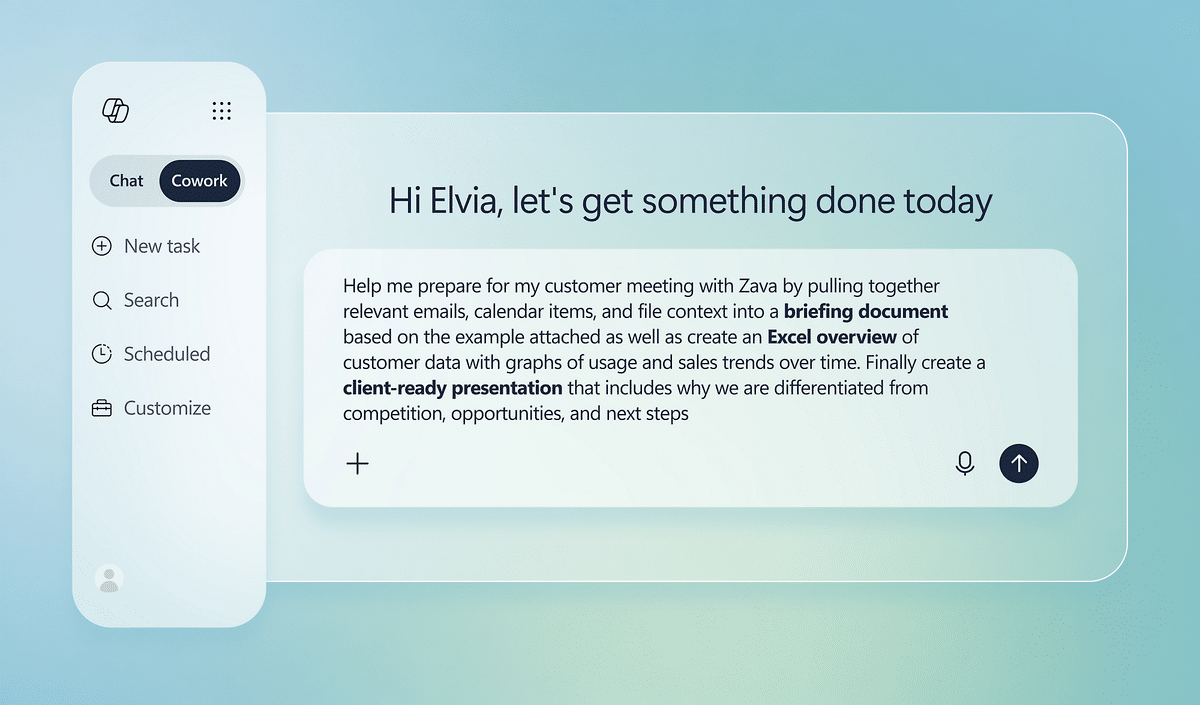
Microsoft product interface example. Capabilities depend on the selected products and licences.
MICROSOFT 365 BUSINESS PREMIUM
Turn included capabilities into configured protection.
Owning the licence is the starting point. We help design, deploy and manage the controls your organisation needs.
Capability
What it enables
How WestTech can help
Microsoft 365 apps & collaboration
Supported Office apps and business collaboration services
Tenant setup, migration, user adoption and administration.
Microsoft Entra ID P1
Identity management and Conditional Access
Define sign-in rules, MFA requirements and access conditions.
Microsoft Intune Plan 1
Device and application management
Enrol supported devices, apply configuration and manage compliance.
Microsoft Defender for Business
Endpoint protection for eligible organisations
Onboard supported devices and configure protection and investigation workflows.
Defender for Office 365 Plan 1
Additional email and collaboration protection
Configure policies and review suspicious-link, attachment and phishing protection.
Information protection & DLP capabilities
Supported classification and information-protection controls
Assess data handling requirements and configure the licensed capabilities.
Microsoft 365 Business Premium and Office 365 are not interchangeable names. Plans differ in their identity, device and security entitlements. Server protection, advanced security features and some workloads can require extra licences.
CONDITIONAL ACCESS IN PRACTICE
Make access depend on the context.
1 / Sign-in signalsUser identity, application, location and device information inform the access decision.
2 / Entra policyConfigured policies can require MFA, a compliant device or other permitted conditions.
3 / Resource accessUsers reach the authorised Microsoft 365 or connected application resources when policy conditions are met.
We design policies around real working patterns, test them with a controlled rollout and plan emergency access. A device marked compliant in Intune can inform an Entra Conditional Access decision. Supported applications and protected users need the appropriate licences.
Risk-based identity features can need Entra ID P2 or additional entitlements; they should not be assumed to be included with baseline Business Premium.
AZURE & THE MODERN WORKPLACE
Connect identity. Design the infrastructure.
Azure infrastructure
Scope virtual machines, storage, networking and secure connectivity around your workloads. Azure resource consumption is billed separately from Microsoft 365 licences.
Shared identity
Entra ID can support access to Microsoft 365, Azure management and connected applications. Azure resource permissions still need appropriate roles and governance.
Hybrid working
Plan device management, remote access and application delivery around office, remote and site-based teams.
Cloud governance
Review administrative roles, resource organisation, cost visibility and changes so cloud use remains controlled.
Backup & continuity
Define recovery needs for Microsoft 365 data and Azure workloads. Product retention and independent backup are different parts of the plan.
Microsoft adoption
Help people work effectively with Teams, SharePoint and OneDrive, while improving sharing and access practices.
POWER BI & BUSINESS VISIBILITY
Make your operational data easier to act on.
Bring agreed sources into dashboards for management reporting: project pipeline, tender status, service activity or commercial performance. We scope data access, modelling, refresh and sharing around the business question.
Power BI sharing and collaboration need the appropriate user licences or capacity arrangements. Business Premium does not automatically grant Power BI Pro.
Copilot in Power BI has its own Fabric or Premium capacity and configuration requirements. A Microsoft 365 Copilot licence or Power BI Pro licence alone does not satisfy them.
A practical Microsoft engagement.
Review users, licences, devices and existing services
No. Azure virtual machines, storage and other consumption-based resources are separate from the Microsoft 365 subscription. We identify the relevant licensing and resource costs in the proposal.
Can you configure Conditional Access?
Yes. We can scope policy design, testing and deployment around your users, applications and devices, with appropriate licensing and emergency-access planning.
Is Copilot automatically included?
Copilot Chat and paid Microsoft 365 Copilot experiences have different capabilities and entitlements. We review the intended workflow and eligible licences before recommending a rollout.
Corporate engagements • International projects • Managed services
Tell us about your Microsoft requirements
Include your organisation, user count, current Microsoft licences, Azure use and the improvements you want.
What happens next: we review your brief, discuss the requirements with you, and agree the next step. We use your details to respond to your enquiry. Privacy questions: sales@westtech.ie.

 Microsoft technologies
 Device management
 Endpoint & email protection