

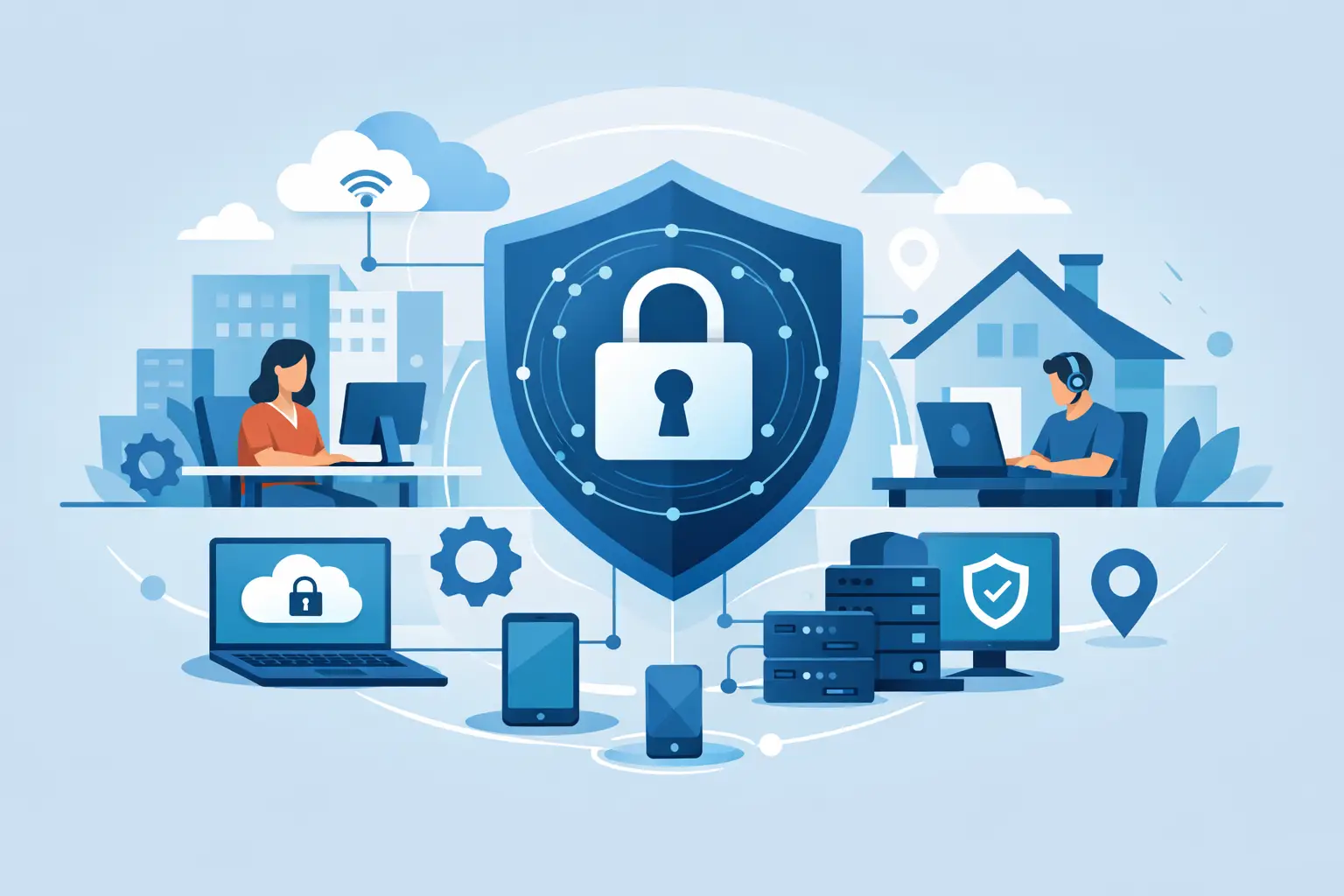
A hybrid workforce does not create one security perimeter. It creates hundreds of them: home routers, personal networks, cloud applications, mobile devices and offices with changing occupancy. Knowing how to secure hybrid work infrastructure means controlling those moving parts without making everyday work harder than it needs to be.
The practical challenge is not simply choosing more security tools. It is making sure the right people can access the right systems, from trusted devices, while your business can detect and contain a problem quickly. For most organisations, that requires clear ownership, consistent standards and technology that is managed rather than merely installed.
Start with visibility, not assumptions
Security decisions fail when the organisation does not have a reliable picture of its environment. Hybrid work often exposes gaps that were already present: unknown devices, unused administrator accounts, unsupported software and applications bought outside the IT process.
Build and maintain an accurate inventory of users, devices, applications, data stores and third-party access. This does not need to become an endless audit exercise. The priority is knowing what connects to your business, who owns it, what data it can reach and whether it is still required.
Pay close attention to software-as-a-service applications. Staff may use cloud file sharing, messaging or project tools to solve a legitimate operational problem, but unmanaged services can create untracked copies of sensitive information. Give teams approved alternatives that work well, then set a clear process for assessing new tools.
Secure hybrid work infrastructure through identity
In a hybrid environment, identity is usually the first and most valuable control point. A user logging in from home, a client site or a branch office should be verified consistently. Passwords alone are not enough, particularly where staff access email, finance platforms, customer records or cloud administration portals.
Make multi-factor authentication standard
Multi-factor authentication should protect every account that can access business systems, with particular priority for email, remote access, cloud administration and privileged accounts. Authentication apps or hardware security keys are generally stronger choices than text-message codes, which can be vulnerable to number porting and social engineering.
There will be exceptions, especially with legacy applications or shared operational devices. Treat those exceptions as temporary risks with an owner and a deadline, not as permanent workarounds. Where a system cannot support modern authentication, restrict its access and plan its replacement or upgrade.
Apply least privilege in everyday operations
People should have access to what they need for their role, not everything they might possibly need. Review access when someone changes role, joins a project, leaves the business or a supplier engagement ends. This is particularly important for finance, HR, data-centre administration and cloud platforms, where a single compromised account can cause disproportionate damage.
Separate administrator accounts from standard user accounts. Your IT team should not browse the web, read email or perform routine work while signed in with elevated privileges. It is a straightforward discipline that reduces the impact of phishing and malicious downloads.
Treat every device as part of the security boundary
A laptop used from the kitchen table can hold the same data and access the same applications as one in the office. It needs the same level of management. Company-owned devices should be enrolled in central device management so IT can enforce encryption, screen locking, supported operating systems, security updates and endpoint protection.
Personal devices are more complicated. Some businesses can support bring-your-own-device access safely, but only if the data involved and the controls available make that proportionate. Mobile device management or application-level protection can separate business data from personal data. Where sensitive data, regulated information or privileged access is involved, providing a managed company device is usually the cleaner and safer option.
Lost devices are inevitable. The relevant question is whether the device is encrypted, whether access can be revoked immediately, and whether it can be remotely locked or wiped where appropriate. Those actions should be tested before an incident, not discovered during one.
Patch based on risk and exposure
Patching cannot wait for a convenient quarterly maintenance window when devices connect from outside the office. Critical vulnerabilities, internet-facing systems and actively exploited flaws need a faster response. Routine updates can follow a planned schedule, provided compliance is monitored and exceptions are investigated.
This is where managed endpoint services add operational value. The goal is not simply to produce a patch report. It is to identify devices that repeatedly fail updates, remediate them and prevent the same issue returning next month.
Protect connections without trusting the network
Home Wi-Fi is not an extension of the corporate network. It may be well configured, but IT cannot control every router, smart device or visitor connection in an employee’s home. Design access around verified identity and device health rather than assuming any network is safe.
Use encrypted remote access for systems that require it and limit direct exposure of internal services to the public internet. Network segmentation also matters in the office and data centre. A compromised meeting-room device, guest network or digital signage player should not provide a route into core business systems.
Cloud services can reduce reliance on traditional remote access, but they do not remove security responsibility. Review sharing settings, external collaboration permissions and administrator roles. Prevent sensitive files from being made publicly available by mistake, and retain audit records that show who accessed or changed critical information.
Put email and data protection at the centre
Email remains a common route for fraud, credential theft and ransomware. Strong filtering, attachment scanning and anti-impersonation controls reduce exposure, but they are not a complete answer. A convincing phishing message can still reach a busy employee at the wrong moment.
Train staff using realistic examples and make reporting suspicious messages easy. Avoid treating awareness training as a compliance task completed once a year. Short, regular reinforcement is more likely to change behaviour, especially when it explains the business impact of invoice fraud, account takeover or unauthorised data sharing.
Protect data according to its value. Customer information, financial records, employee data and commercially sensitive documents should have clear handling rules. Encryption, access restrictions, retention settings and controlled sharing are practical measures, not paperwork. Backups should be protected from deletion or encryption by an attacker, tested regularly and stored separately from the systems they are designed to restore.
Build an incident response process people can use
Hybrid working can slow response if nobody is clear who acts when a device is lost, an account is compromised or a suspicious payment request appears. A useful incident plan gives staff direct instructions: who to contact, what evidence to preserve, what access can be disabled and who communicates with customers, insurers or regulators if required.
Test the plan with realistic scenarios. For example, could your team revoke a departed employee’s access within minutes? Could it isolate an infected laptop while the user is working remotely? Could it restore a key service from backup within the recovery time the business actually needs?
Cyber insurance can support recovery, but it should not be treated as a substitute for controls. Insurers increasingly expect evidence of measures such as multi-factor authentication, managed backups and endpoint protection. Good preparation improves both insurability and the organisation’s ability to continue operating under pressure.
Create accountability across IT, operations and facilities
Hybrid infrastructure often crosses traditional boundaries. IT manages identity and devices, facilities teams oversee office connectivity and access, while operations leaders depend on systems being available. Fragmented suppliers can leave gaps between those responsibilities, particularly during a site move, infrastructure refresh or security incident.
Assign clear ownership for standards, changes, monitoring and escalation. A single accountable technology partner can simplify that model by connecting managed IT, cybersecurity, infrastructure delivery and ongoing support. WestTech helps organisations bring those responsibilities together so security work supports continuity rather than becoming another operational burden.
The right next step is to review one real working day: how a new starter receives access, how a remote device is managed, how data is shared and what happens when something goes wrong. The weak point is rarely hidden. It is usually a routine process that has never been designed for the way your people now work.






