

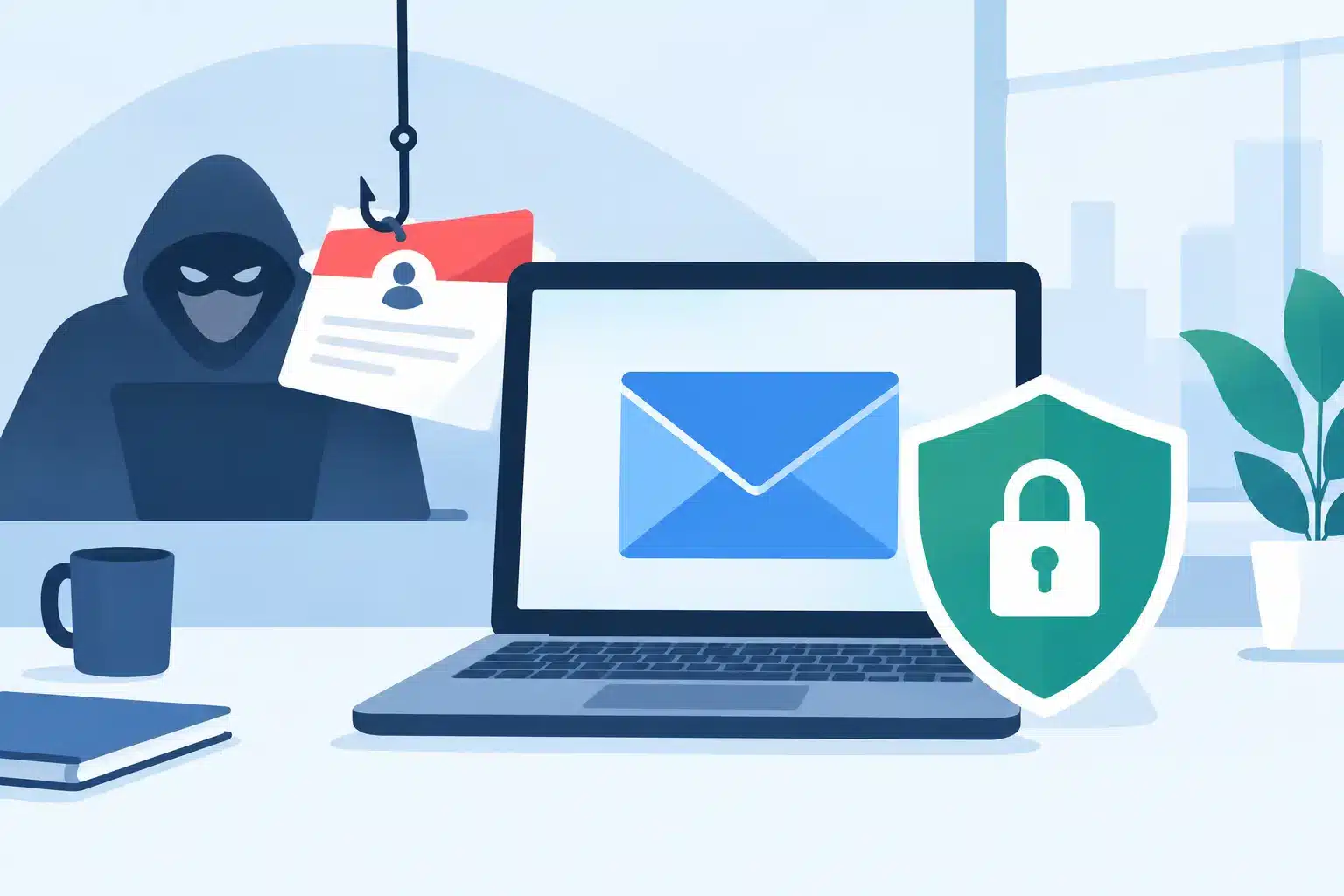
A spoofed email rarely looks like an obvious scam. It may use your managing director’s name, your finance address or a trusted supplier’s domain to request a payment, reset a password or open a malicious file. To prevent email spoofing, businesses need to protect both the domains they own and the people who make decisions every day.
The operational impact goes beyond one fraudulent message. A successful impersonation attack can interrupt payments, expose customer data, trigger a reportable incident and damage trust in your brand. The right response is not another standalone security tool. It is a controlled email security programme with clear ownership, sound configuration and regular review.
What email spoofing looks like in practice
Email spoofing is the act of sending a message that appears to come from a different person or organisation. Attackers can imitate the visible sender name, use a lookalike domain, or abuse a domain that has not been properly protected.
For example, an employee may receive a message that seems to come from `accounts@yourcompany.ie`. It requests an urgent change to supplier bank details. If the receiving email system cannot verify whether that message was authorised by your domain, it may land in the inbox looking legitimate.
The most damaging cases often involve business email compromise. Criminals research company structures, public announcements, supplier relationships and payment processes. Their messages are targeted, short and credible. Technical controls matter because people should not be expected to spot every well-crafted deception under pressure.
The three controls that prevent email spoofing
SPF, DKIM and DMARC work together to tell receiving mail systems which services can send on your behalf, whether a message has been altered, and what should happen when checks fail. They are standards, but their value depends entirely on correct implementation and ongoing management.
SPF: define authorised senders
Sender Policy Framework, or SPF, is a DNS record that lists the mail servers and third-party platforms permitted to send emails using your domain. This may include Microsoft 365, Google Workspace, a marketing platform, a customer relationship management system, a helpdesk and an invoicing application.
SPF is a useful first line of defence, but it is not enough on its own. Businesses often add a new platform without updating their SPF record. The result can be legitimate messages failing authentication or teams weakening the policy to keep post flowing. Both create avoidable risk.
SPF also has a technical limit on DNS lookups. Overly complicated records can exceed that limit and stop working as intended. A periodic review is essential, particularly where several departments procure their own SaaS tools.
DKIM: prove messages were sent intact
DomainKeys Identified Mail, or DKIM, adds a cryptographic signature to outgoing messages. The receiving server checks that signature against a public key published in DNS. If it matches, the recipient has evidence that the message was authorised by the signing domain and has not been materially changed in transit.
DKIM is especially valuable when email passes through different systems. A business may send newsletters through one provider, service notifications through another and direct correspondence through Microsoft 365. Each legitimate sender needs the right DKIM configuration.
Keys should also be rotated as part of normal security administration. It is not a task to complete once and forget. Document who owns each sending service and how its authentication is maintained when systems change.
DMARC: set the rule and receive the evidence
Domain-based Message Authentication, Reporting and Conformance, or DMARC, brings SPF and DKIM together. It checks whether the visible From address aligns with authenticated sending domains. Crucially, it lets your organisation instruct recipient systems to take no action, quarantine suspicious messages or reject them outright.
DMARC reports show who is sending email using your domain. That includes authorised services you may have missed, misconfigured systems and unauthorised activity. For many businesses, this visibility is the turning point: assumptions about their email estate are replaced by evidence.
A DMARC policy should normally progress in stages. Start with monitoring to understand legitimate traffic. Move to quarantine once approved senders are aligned. Then move to rejection when you have confidence that valid messages will not be blocked. Going directly to rejection can be appropriate for a domain that does not send email, but it is a riskier approach for a busy operational domain with unknown systems.
Start with a complete sending-domain audit
Email protection fails when nobody has a full picture of how the business sends messages. Before changing DNS records, identify every domain and subdomain your organisation owns, including old brands, parked domains and domains used only for campaigns or applications.
Then map every outbound email source. Speak to marketing, finance, customer service, HR, IT and external development partners. Ask what platforms send customer notifications, password resets, invoices, forms, newsletters and automated alerts. Check cloud applications and devices too, as scanners, building systems and monitoring tools may relay email.
This is where a single accountable technology partner can reduce delays. The work crosses security, infrastructure, cloud administration and business operations. If responsibility is fragmented, valid senders are easily missed and the DMARC project stalls at monitoring.
Secure the routes criminals exploit around authentication
SPF, DKIM and DMARC protect your domain from direct impersonation. They do not stop a criminal registering a lookalike such as `west-tech-support.ie`, nor do they prevent a compromised account from sending a genuine email from within your environment.
Your wider controls should cover the gaps. Deploy advanced email filtering to assess sender reputation, malicious links, attachments and unusual message patterns. Enable multi-factor authentication for every email account, with particular attention to administrators, finance teams and executives. Apply conditional access policies so risky sign-ins trigger additional checks or are blocked.
Mailbox forwarding rules deserve close attention. Attackers who compromise an account frequently create hidden rules to copy messages externally or delete replies that could expose the fraud. Alert on new forwarding rules, unusual inbox changes and impossible travel sign-ins. Retain audit logs long enough to investigate an incident properly.
For high-risk payment processes, technology must be backed by a clear human control. A request to change bank details should be verified using a known telephone number or an approved supplier contact route, not by replying to the email that made the request. This may feel slower, but it is far less disruptive than recovering funds after a fraudulent payment.
Make reporting useful, not just technically correct
DMARC aggregate reports can be detailed and difficult to interpret in their raw form. They need to be reviewed by someone who can distinguish legitimate platform traffic from a threat, investigate unexpected senders and act on the findings.
Set a regular review cadence. During implementation, weekly reviews may be necessary. Once the policy is enforced and the sending estate is stable, monthly checks are often sufficient. The correct frequency depends on how often your organisation changes systems and how widely it uses third-party communication platforms.
Track a small set of operational measures: the number of authorised sending sources, authentication pass rates, unauthorised sending attempts, domains without enforced DMARC, and time taken to resolve failures. These measures provide a clearer view of progress than treating email security as a one-off compliance task.
Protect people without blaming them
Awareness training still has a role, but it should reflect the attacks staff actually receive. Generic phishing exercises are less useful than practical guidance for a finance manager facing an urgent payment request or a receptionist receiving a convincing password-reset message.
Give employees an easy way to report suspicious emails and make sure reports receive a timely response. If people feel blamed or ignored, they stop reporting. If they see that reporting leads to a fast investigation and a clear answer, the organisation gains an early-warning network.
Brief teams on the warning signs that matter: unexpected urgency, changed payment instructions, requests to bypass process, unusual sender domains and login prompts that do not match the service being accessed. Encourage verification where the consequence is high, even if the email appears to come from a senior colleague.
Treat domain protection as an operational service
The strongest configuration will weaken over time if domain records, cloud tenants and third-party applications are changed without security oversight. Include email authentication in procurement, change control and supplier onboarding. Any new platform that sends as your organisation should have a named owner and an agreed authentication plan before it goes live.
WestTech helps businesses bring that ownership together across managed IT, cloud infrastructure and cyber security, so email protection supports daily operations rather than becoming another unmanaged technical project.
The practical next step is simple: establish what is sending email for your business, enforce authentication in stages, and make somebody accountable for reviewing the evidence. That gives your teams a safer inbox and gives customers greater confidence that a message carrying your name genuinely came from you.






