

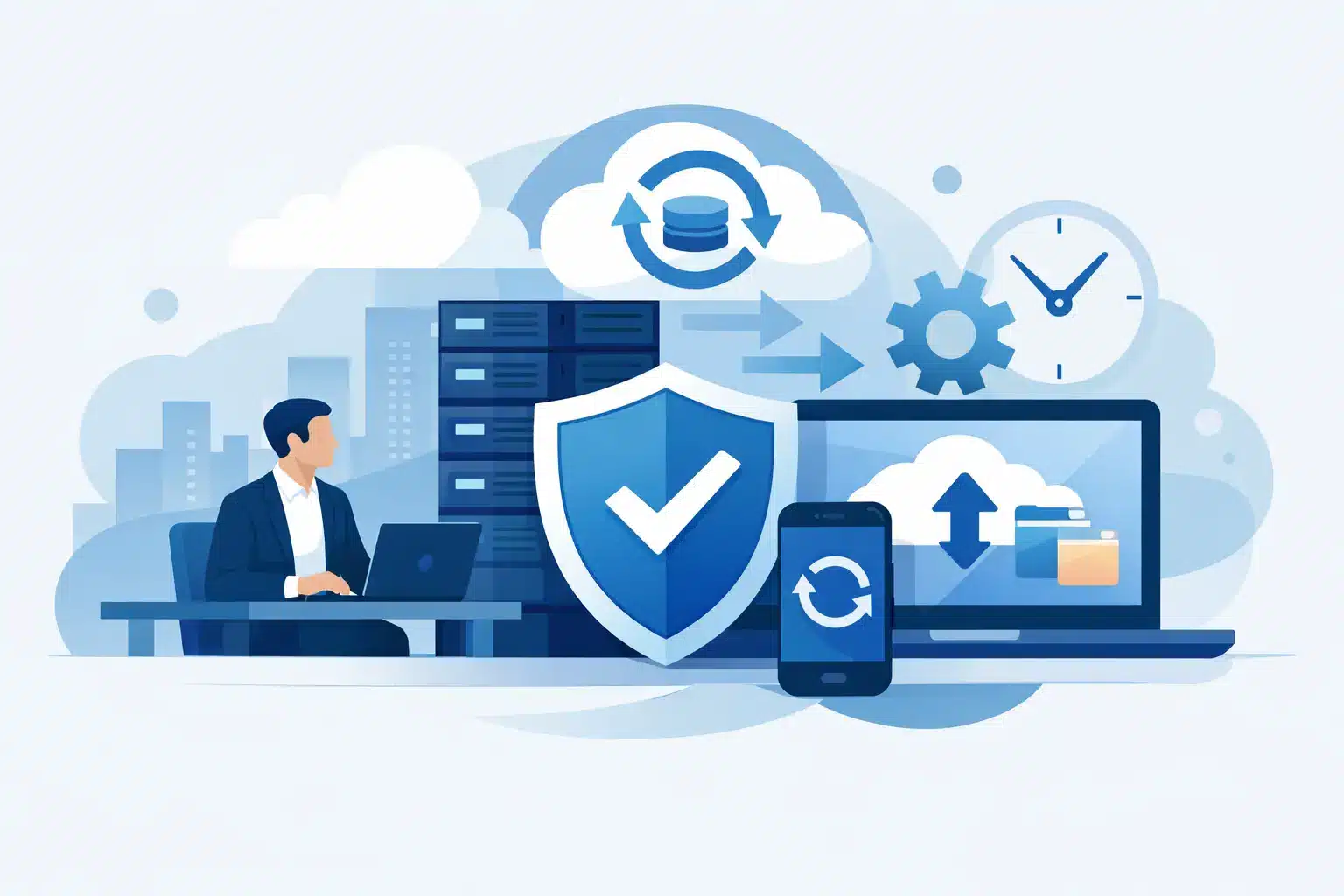
A failed server at 9am, a ransomware alert before payroll, or a deleted project folder just before handover can stop more than IT. It can delay trading, disrupt customers and leave teams unable to do their jobs. Business backup solutions are the practical safeguard that turns a major incident into a controlled recovery – but only when they are designed around how your business actually operates.
For many organisations, backup is still treated as a background task: data is copied somewhere, an alert is assumed to be working, and the subject is revisited only after something goes wrong. That approach creates false confidence. A backup that cannot be restored quickly, securely and completely is not a continuity plan.
What business backup solutions need to protect
The right backup strategy starts with business priorities, not storage capacity. Your finance system, customer records, shared files, emails, line-of-business applications, virtual machines and cloud collaboration platforms may all have different recovery requirements. Losing access to a marketing archive for a few hours is not the same as losing access to orders, patient information or production schedules.
Two measures should guide the conversation. Recovery point objective, or RPO, is the maximum amount of data your organisation can afford to lose. Recovery time objective, or RTO, is how quickly systems need to be available again. These targets determine the frequency of backups, the type of recovery platform required and the level of investment that makes commercial sense.
A business with a 24-hour RPO may accept an overnight backup for some files. A company processing transactions throughout the day may need much more frequent protection. Likewise, restoring a single file is very different from rebuilding an entire environment. Good planning recognises those differences rather than applying the same setting to every system.
Why a simple copy is not enough
Data can be copied successfully and still be unavailable when it matters. Hardware can fail, backup jobs can stop without being noticed, credentials can be compromised, and ransomware can target connected backup repositories. Cloud platforms also follow a shared responsibility model: the provider protects the service infrastructure, while your organisation remains responsible for protecting much of its own data and configurations.
This is why dependable business backup solutions use more than one layer of protection. The commonly used 3-2-1 principle remains a sensible starting point: maintain at least three copies of important data, on two different types of media, with one copy held off-site. For higher-risk environments, an immutable or isolated copy adds critical protection. It prevents backup data from being changed or deleted for a defined period, even if an attacker gains elevated access.
The principle is simple. If a cyber incident affects the production environment and a connected backup, you still need a clean recovery point that has not been exposed to the same threat. That copy may be held in secure cloud storage, a separate recovery platform or an air-gapped environment. The best option depends on your systems, regulatory duties, budget and recovery targets.
Build recovery around the real operational impact
The most useful question is not, “What do we need to back up?” It is, “What must be restored first for the business to function?” This shifts the discussion from technical inventory to operational continuity.
Start by mapping your critical services. Identify the systems that enable staff to communicate, process payments, serve customers, access records and meet contractual commitments. Then document the dependencies behind them. An application may rely on a database, identity service, network configuration, licence server or virtual host. Restoring the visible application without these supporting components can leave recovery stalled.
A practical recovery sequence should be agreed in advance. It should name the people authorised to declare an incident, define who contacts suppliers and staff, and state where teams will work if their usual systems are unavailable. This is not paperwork for its own sake. During a serious outage, clear ownership prevents decisions from being delayed while the clock is running.
Protect more than files
File backups matter, but they are only one part of the picture. A modern environment may also require protection for virtual servers, cloud email, collaboration data, databases, endpoints, configuration records and SaaS applications. If your organisation has moved to Microsoft 365 or another cloud productivity platform, confirm exactly what is retained, for how long and how easily individual or large-scale data can be recovered.
Configuration backups are often overlooked. Firewall settings, network switches, device configurations and application settings can take days to recreate if they have not been captured. For organisations with multiple sites, retail locations or integrated AV and signage systems, this can turn an infrastructure incident into a wider operational problem.
Security and backup must work together
Backups are a final line of defence, not a substitute for cybersecurity. Strong identity controls, multi-factor authentication, endpoint protection, patching, network segmentation and staff awareness reduce the chance of an incident reaching recovery stage. Yet no organisation should assume prevention alone will be enough.
Backup platforms need the same security discipline as production systems. Access should be limited to named users, privileged accounts should be separated from everyday administration, and activity should be logged and reviewed. Encryption should protect data in transit and at rest. Retention settings should reflect business needs and any compliance obligations, particularly where personal, financial or sensitive operational data is involved.
There is a trade-off to manage. Longer retention supports investigation, audit requirements and recovery from incidents discovered late. It also increases storage cost and can make data management more complex. The answer is not unlimited retention by default. It is a documented policy that reflects the value and sensitivity of each data set.
Testing is where confidence becomes evidence
The most common weakness in backup planning is the absence of regular restoration testing. A dashboard showing successful backup jobs confirms that data was copied. It does not prove that applications will start, files are intact, permissions remain correct or recovery can meet the business deadline.
Test at different levels. Recover individual files to support everyday mistakes. Restore a server or virtual machine to verify technical recoverability. Run periodic scenario tests for a wider outage, including the teams who would make decisions and communicate with customers. Record the result, identify gaps and improve the plan.
Testing should also reflect realistic threats. If ransomware is a key concern, test whether you can identify a known-clean recovery point and restore it into a safe environment before returning services to production. Restoring infected or compromised data too quickly can create a second incident.
Choosing the right delivery model
Some organisations manage backup internally. This can work well where there is an experienced IT team, clear ownership and enough capacity to monitor alerts, manage storage, patch platforms and run tests. The risk is that backup becomes one more task competing with user support, projects and daily operational demands.
A managed backup service can provide continuous oversight, defined recovery processes and a single point of accountability. It is particularly valuable for businesses that need predictable support but do not want to build and maintain specialist recovery expertise in-house. The provider should be clear about what is monitored, what is included in restoration, how quickly support responds and where responsibility begins and ends.
Avoid choosing purely on cost per gigabyte. Lower storage costs can conceal slow recovery, limited retention, untested processes or unexpected charges when an incident occurs. Compare providers against your RPO and RTO, security controls, reporting, recovery support, data location and ability to scale as your environment changes.
Questions to ask before signing off a backup plan
A decision-maker should be able to get plain answers to a small number of operational questions:
- Which systems and data are protected, and which are excluded?
- How much data could we lose after an incident?
- How long would it take to restore our most critical services?
- Is there an immutable or isolated copy protected from ransomware?
- When was the last successful restoration test completed?
- Who owns the recovery process, including out-of-hours escalation?
If any answer is uncertain, the plan needs attention. Ambiguity is expensive during an outage.
Make backup part of business resilience
Backup requirements change when a business adds sites, adopts new cloud services, acquires another company or introduces a new critical application. Review the strategy after meaningful operational change, not just once a year. Recovery plans should evolve with the environment they are meant to protect.
WestTech helps organisations bring backup, cybersecurity, infrastructure and ongoing support under one accountable partner. That reduces the gaps that appear when multiple suppliers each manage only part of the environment, particularly during a high-pressure recovery.
The right backup plan should give your team something more useful than a promise that data is being copied: a tested route back to normal operations. A focused review of your critical systems, recovery targets and existing backup evidence can quickly show where that route needs strengthening.






