

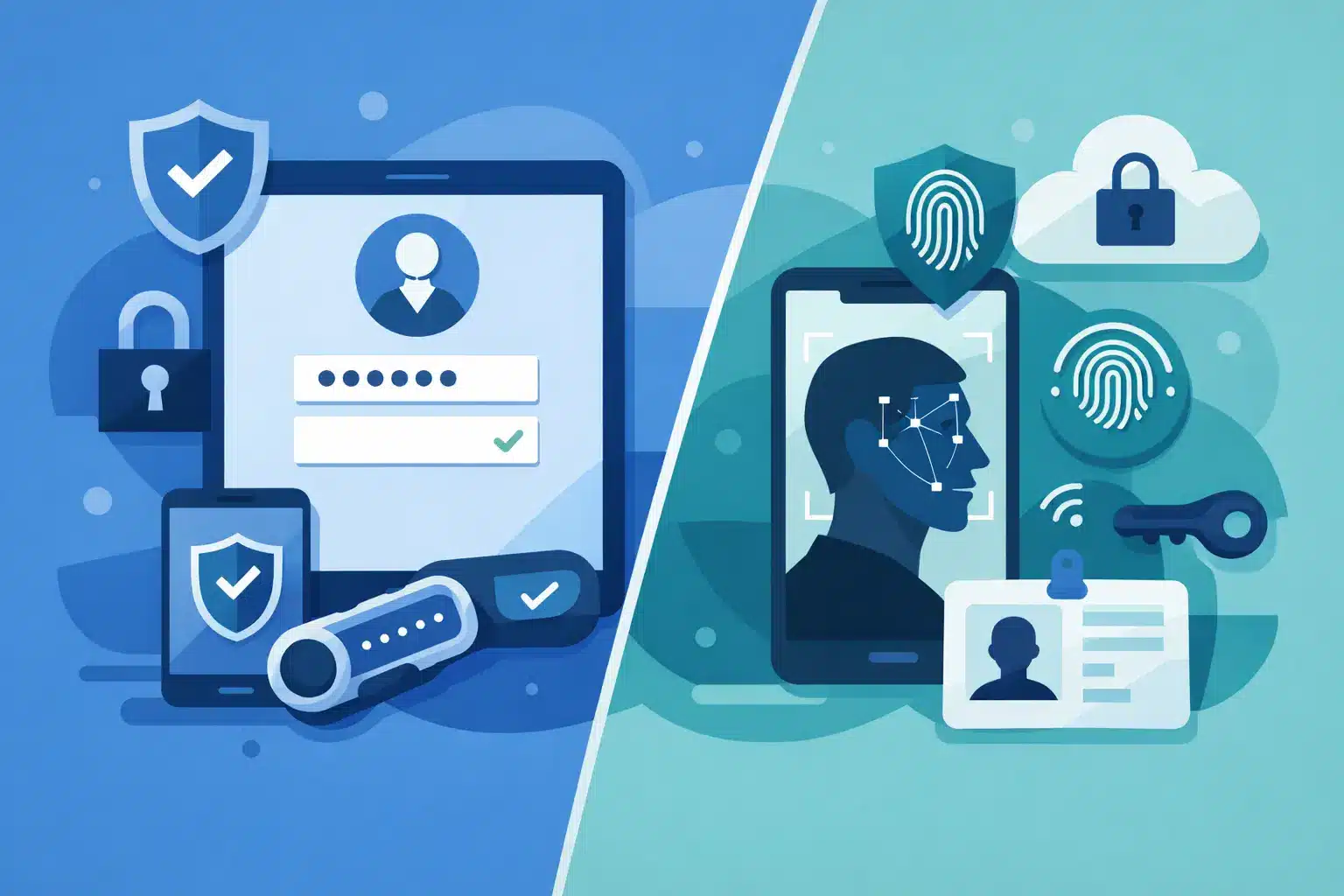
A compromised password can turn into a business-wide incident in minutes. Attackers do not need to breach a firewall when they can persuade an employee to approve a login, reuse a leaked credential or enter details on a convincing fake sign-in page. The MFA vs passwordless security decision is therefore not simply about choosing the latest authentication feature. It is about reducing account takeover without making day-to-day work harder for the people who keep your business moving.
For most organisations, the right answer is not an either-or choice. Multi-factor authentication remains an essential control, while passwordless methods can provide a stronger and more practical way to meet that requirement in the right parts of the business. The operational detail matters: user journeys, recovery processes, device management, application compatibility and support ownership all affect whether security works in practice.
MFA vs passwordless security: the practical difference
MFA requires a user to provide two or more forms of verification. Traditionally, that means something they know, such as a password, plus something they have, such as an authenticator app, hardware key or text message code. In some cases, it may also include something they are, such as a fingerprint or facial recognition.
Passwordless authentication removes the password from the standard sign-in journey. Instead, the user verifies their identity through a device-bound passkey, an authenticator approval, a security key or biometric verification on a managed device. The password may still exist behind the scenes for recovery or legacy applications, but it is no longer the primary route into the account.
The distinction is significant. MFA adds protection around passwords. Passwordless security aims to remove the password as a target altogether. That can reduce the risk created by weak passwords, reuse across services, password reset requests and many phishing attacks.
However, passwordless is not automatically stronger in every implementation. A poorly managed authenticator prompt can still be vulnerable to approval fatigue. A biometric check is only as reliable as the device, enrolment controls and account recovery process behind it. The objective is not to deploy a fashionable feature. It is to establish phishing-resistant, manageable access controls that match the risk of the systems being protected.
Why conventional MFA still leaves gaps
Basic MFA is far better than password-only access, and businesses should not delay implementing it while planning a longer-term passwordless programme. Yet not all MFA methods offer the same protection.
SMS codes are widely available and easy to understand, but they can be exposed through SIM swapping, message interception and social engineering. Push notifications are convenient, but repeated prompts can lead a busy employee to approve one just to stop the alerts. Attackers increasingly use this technique after obtaining a password through phishing or a data breach.
Time-based codes in an authenticator app are a stronger option than SMS, but a user can still be tricked into entering a code on a fraudulent site. This is the core weakness of many traditional MFA deployments: the user is still asked to share a secret that an attacker can capture and replay.
Phishing-resistant methods, including FIDO2 security keys and device-bound passkeys, are designed to verify the legitimate website or service as part of the sign-in process. If a user lands on a fake page, the credential should not work there. For organisations handling financial data, customer information, privileged administration or regulated systems, this difference deserves close attention.
Where passwordless delivers business value
The security case is clear, but operational value often drives adoption. Password resets consume support time, interrupt staff and create avoidable friction for users who need quick access to systems. Removing passwords from routine sign-ins can reduce this burden while improving the user experience.
Passwordless access is particularly useful for employees who regularly move between services, work remotely or use mobile devices. A managed laptop with a passkey and biometric sign-in can make access faster without weakening control. It can also help reduce the temptation to use memorable but predictable passwords or store credentials insecurely.
For IT teams, the benefit is not simply fewer reset tickets. A well-designed passwordless deployment provides clearer visibility into who enrolled which device, which authentication method was used and whether access meets the organisation’s conditional access rules. That makes it easier to enforce stronger controls for high-risk activities, such as finance approvals, remote administration and access to sensitive cloud platforms.
There are limits. Shared workstations, frontline teams, contractors and bring-your-own-device environments may need different authentication journeys. A passkey tied to a personal mobile phone may not suit an employee working on a shared terminal. In those cases, hardware security keys, managed devices or carefully governed temporary access may be more appropriate.
Choosing the right method by risk, not convenience alone
A practical authentication strategy should be based on the user, the device and the system being accessed. There is no value in applying identical controls to a public-facing shift worker and a system administrator with access to business-critical infrastructure.
Start by identifying your highest-risk accounts. Global administrators, finance teams, senior leaders, IT support staff and third-party users with remote access should normally be first in line for phishing-resistant authentication. A compromised privileged account can bypass many of the controls that protect standard users.
Next, assess application readiness. Modern cloud services usually support passkeys, security keys or strong authenticator methods, but older line-of-business applications may rely on passwords or outdated authentication protocols. These systems should not be ignored. They need a documented plan, whether that means modernisation, an access gateway, network restrictions or compensating controls.
Finally, plan for exceptions without allowing exceptions to become the default. Break-glass accounts, lost devices, staff changes and emergency access all require controlled processes. If recovery relies on a weak helpdesk identity check, an attacker may simply target the recovery route instead of the login screen.
A staged route from MFA to passwordless
For many businesses, the sensible approach is to improve MFA first and introduce passwordless authentication in phases. This avoids a disruptive project while delivering immediate risk reduction.
Begin by enforcing MFA across email, cloud applications, remote access and administrative tools. Remove legacy authentication where possible, and move away from SMS for higher-risk users. Conditional access policies can then require stronger verification when a sign-in comes from an unfamiliar device, location or risk level.
The next step is a pilot with a defined user group. IT administrators and technically confident office users are often suitable early adopters because they can provide useful feedback on enrolment, device replacement and application compatibility. Test the full journey, not just the initial sign-in. A deployment is only ready when device loss, new starters, leavers and emergency recovery are all handled predictably.
Once the process is proven, expand by role and risk. Keep clear communications focused on what staff need to do and where they can get help. Employees do not need a technical lecture on cryptography. They need to know why a new sign-in method is being introduced, how it protects them and what happens if their phone or laptop is unavailable.
The controls that make authentication effective
Authentication is one layer of a wider security programme. Passwordless access will not compensate for excessive permissions, unmanaged endpoints or poor incident response. It should sit alongside device management, least-privilege access, endpoint protection, logging and regular access reviews.
Support ownership is equally important. When users cannot sign in, they need a fast, verified route back to work. When a device is lost, IT needs the ability to revoke access promptly. When an employee leaves, accounts, sessions and enrolled authentication methods must be removed without delay. These are operational controls, not administrative details.
WestTech helps businesses assess existing identity controls, strengthen MFA, introduce passwordless methods where they fit and manage the supporting infrastructure as one accountable service. The goal is simple: reduce avoidable security risk without creating more work for your people.
The best next step is to review your most valuable accounts and the MFA methods protecting them now. If a password and a push notification still stand between an attacker and a critical system, there is a clear opportunity to improve security before that gap becomes an incident.






